
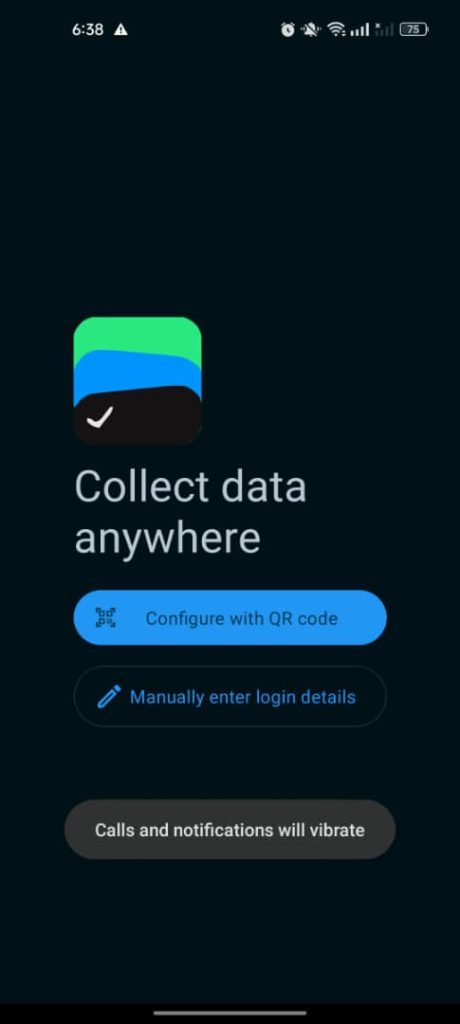
Step 1
Once you successfully install the Digital Job Card on your Android device. Click on manually enter log in details.
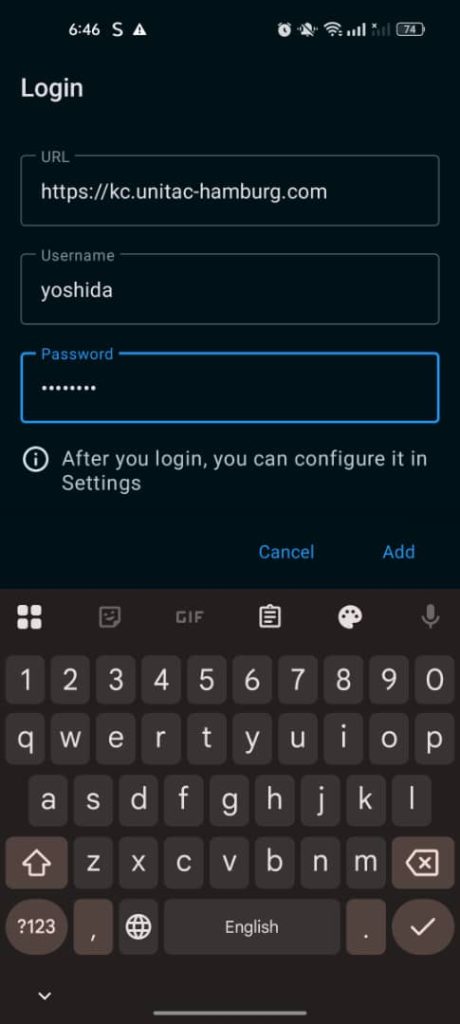
Step 2
Enter the server URL: https://kf.unitac-hamburg.com and your username and password to begin.
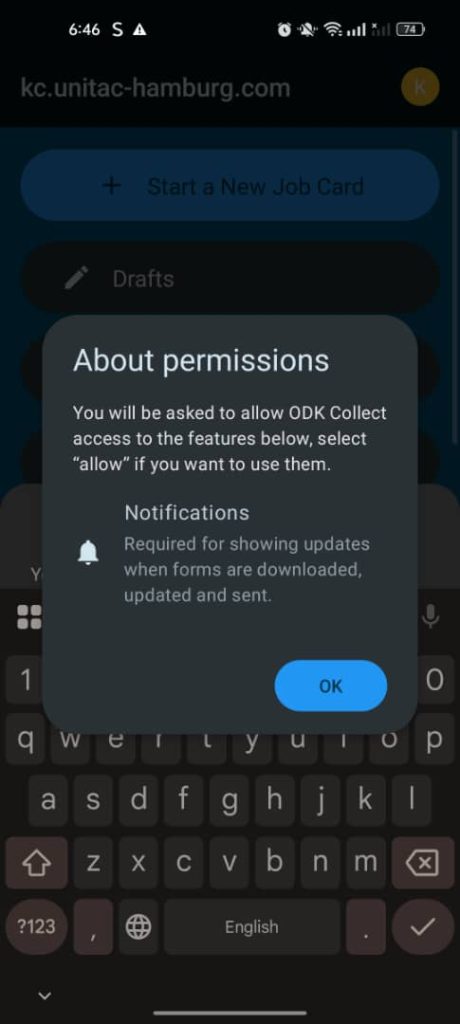
Step 3
Accept and give permission to ODK collect to access the features and use them.
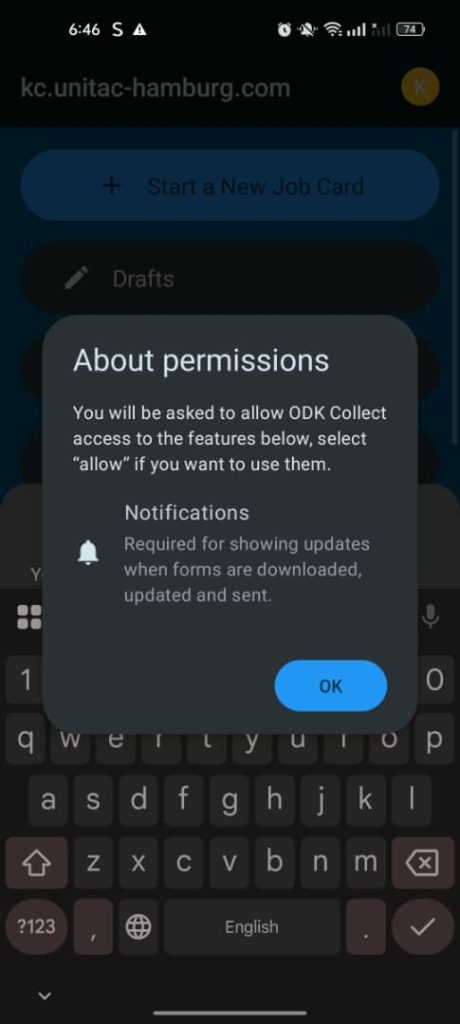
Step 4
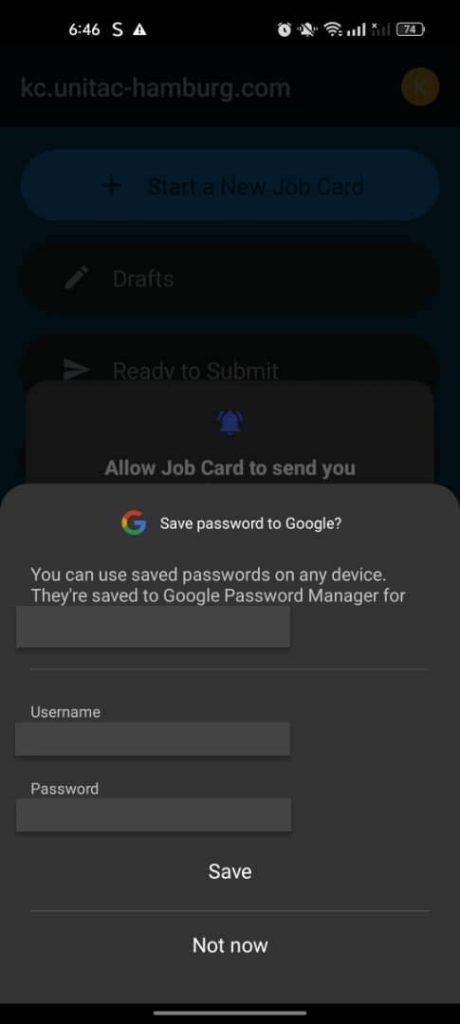
To manage notifications, select ‘Allow’ to receive job card updates, or ‘Don’t Allow’ to decline.
Step 5
To streamline access, select ‘Save Password’ to avoid signing in repeatedly. If you are not using your own device, choose ‘Not Now.’


