
 Instructions
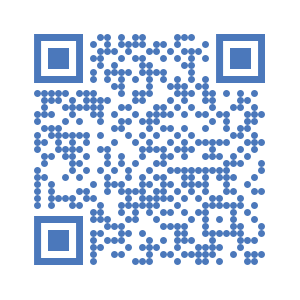
- San the QR Code to Install the Digital Job Card on your Android device.
- Click on to open settings on the top left corner.
- Enter the server URL https://kc.unitac-hamburg.com and your username and password
- Open “Get My Jobs” and select this project.
- Open “Start a New Job Card”